
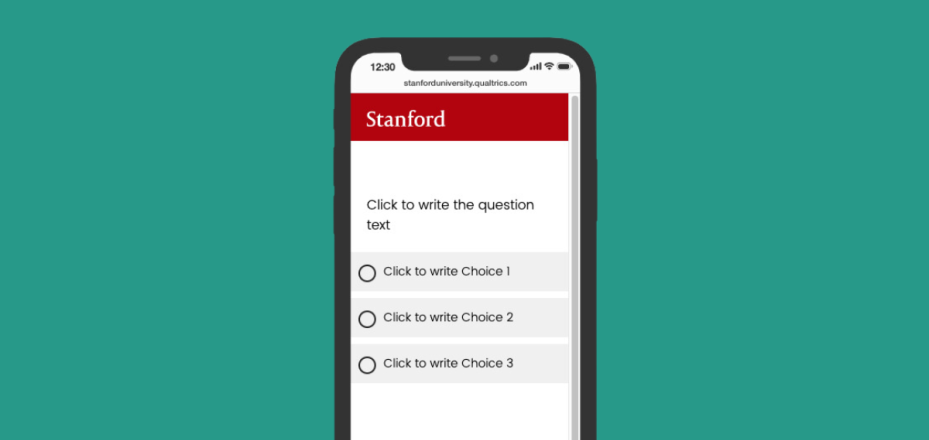
The Qualtrics survey tool is an easy-to-use, full-featured, web-based tool for creating and conducting online surveys. The survey tool is available at stanforduniversity.qualtrics.com.
Features
- a Quick Survey Builder that guides beginners through creating a survey
- a Survey Library with templates that you can customize to meet your specific needs
- a tool to send and track participation invitations and reminders
- a tool to display survey results, graphically and statistically
- an export data feature, including to Excel or SPSS
- integration with Stanford’s Kerberos (SUNet ID authentication) systems
Designed for
Current faculty, students, and staff.
Requirements
A full-service SUNet ID.
Data security
May be used to store and transmit Low, Moderate, and High Risk Data, as defined by the Information Security Office.
Rates
Free of charge.
Get started
To learn how to register for and use the Qualtrics survey tool, see Setting Up a Qualtrics Account.
Get help
All support for Qualtrics is provided by the vendor. When logged in to your Qualtrics account, you can use the Help and Tutorials link to access extensive online training materials. Email and phone contact information for individual support is also provided.